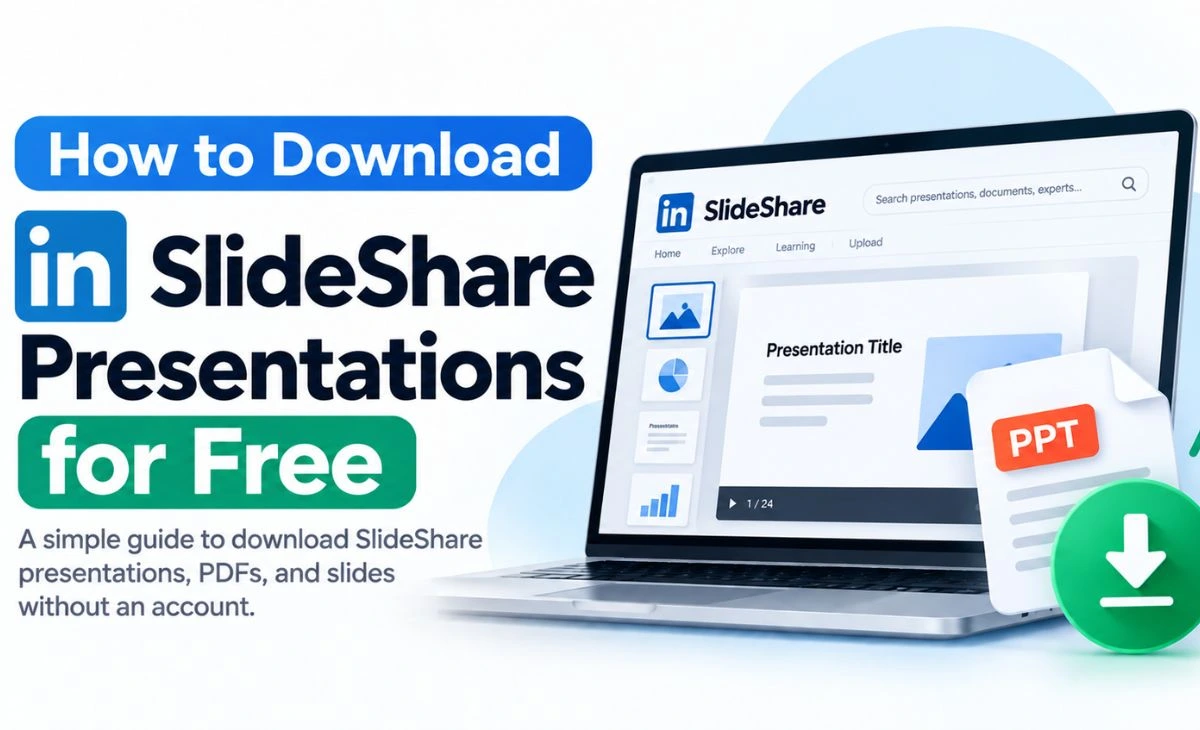
How to Download SlideShare Presentations for Free
You’ve found the exact presentation you need on SlideShare — maybe a marketing deck, a university lecture, or a well-researched industry overview — and now you’re looking for a SlideShare downloader that actually works. Searches like “SlideShare free download,” “download SlideShare,” and “SlideShare presentation download” are common for a simple reason: SlideShare lets you view most presentations for free, but saving a copy for offline use is a different story.
Users in Indonesia run into the same wall and often search for it differently — “cara download SlideShare” or “download SlideShare gratis” — but the underlying question is identical: how do you actually get the file, legally and safely?
There’s no single method that unlocks every presentation on SlideShare. What follows are the legitimate ways to check for and get a download, when a browser-based tool can realistically help, and when it can’t.
What Is SlideShare and How Does Presentation Downloading Work?
SlideShare is a platform for sharing presentations, PDFs, and documents — everything from corporate pitch decks and conference talks to student coursework and how-to guides. It’s owned by Scribd, and viewing presentations in the browser is generally free.
Downloading a copy for offline use is a separate matter from viewing it. Whether a download is available, and what’s required to get one, depends on the specific presentation, its uploader’s settings, and SlideShare’s current account and subscription rules — which can change, so it’s worth checking the current options on the page itself rather than assuming a fixed rule applies to every presentation.
Method 1: Check SlideShare’s Official Download Option
Start with the presentation page itself before trying anything else.
Steps:
- Open the presentation on SlideShare.
- Look for a Download button, usually near the presentation title or in the options menu.
- If it’s there, click it — you may be able to download directly, or you may be asked to sign in or subscribe first.
- If there’s no download button at all, the uploader may not have enabled downloads for that presentation, or a subscription may currently be required to access it.
Not every presentation on SlideShare is downloadable, even when it’s fully viewable. That distinction — free to view, but not necessarily free to save — is worth keeping in mind before assuming something is wrong with your account.
Method 2: Use DocumentFetch’s SlideShare Downloader for Publicly Accessible Presentations
For presentations that are publicly accessible, the SlideShare Downloader from DocumentFetch is built to check the source and, when a public file can be reached, help you save it.
It’s worth being clear about what it does and doesn’t do. It does not log into SlideShare for you, and it does not bypass sign-in requirements, subscriptions, paywalls, CAPTCHA, or other technical protections SlideShare has in place. If a presentation is genuinely restricted, you’ll get an honest message saying so rather than a fake “processing” screen that leads nowhere. Because SlideShare’s technical protections can change over time, whether the tool can reach a given presentation isn’t guaranteed — it depends on what’s publicly accessible at the time you try.
Steps:
- Copy the full presentation URL from your browser’s address bar.
- Go to the SlideShare Downloader on DocumentFetch.
- Paste the URL and start the process.
- If the source is publicly accessible, a download link will be provided.
- If it isn’t, you’ll see a clear explanation — at which point Method 1, 3, or 4 below is worth trying instead.
Method 3: Find the Original SlideShare Presentation Elsewhere
A large number of presentations on SlideShare were built for something else first — a conference, a course, a company report — and the same file, or a very similar one, is often published elsewhere too.
Try searching:
- The exact presentation title.
- The author’s name, alongside the topic.
- The company, university, or organization the presentation was made for.
If you’re specifically looking for how to download PPT from SlideShare (cara download PPT dari SlideShare) or trying to find a presentation Indonesia (download SlideShare Indonesia), this method is often the most reliable, since local universities, companies, and conference organizers frequently host the same slide decks — sometimes with more recent updates — directly on their own websites.
Method 4: Ask the Author or Use Legitimate Sources
Sometimes the most direct route isn’t a downloader at all:
- If you know who created the presentation, reach out to them directly — many authors are happy to share their own work when asked.
- Check the author’s personal website, company page, or professional profile; presentations are often mirrored there.
- If the presentation came from a university course or a company you’re affiliated with, check whether it’s already available through your institution’s own resources.
- If you already have legitimate access to a copy — for example, you were sent the file directly — you don’t need a downloader at all.
None of these involve bypassing anything. They just require going to the source instead of the platform.
SlideShare Downloader: What Should You Look For?
Plenty of sites call themselves a “SlideShare downloader,” but not all of them are trustworthy. A tool worth using should:
- Give you a clear result — either a real download or an honest explanation of why it couldn’t get one — instead of a fake countdown or a download button that does nothing.
- Never claim it can unlock a login-only or subscription-restricted presentation. If a tool promises that, it’s either not telling the truth or doing something that violates SlideShare’s access controls.
- Never ask for your SlideShare password or account credentials. A tool that only needs a public URL has no legitimate reason to ask for your login.
- Avoid forcing you through unrelated pop-ups or redirect chains before you can download anything.
- Stay within what’s technically and legally available, rather than trying to work around security systems.
If a site promising a “SlideShare free download” doesn’t meet these basics, that’s a reason to be cautious, not a feature to ignore.
Why Some SlideShare Downloaders Don’t Work
If a downloader fails on a presentation you’re trying to save, the reason is usually one of these ordinary technical issues:
- Login or subscription requirements. Some presentations are only downloadable to signed-in or paying users, and a public-URL tool can’t get past that.
- Anti-bot and security protections. Large platforms actively detect and block automated requests, which can cause even a well-built tool to fail on content that’s technically public.
- No downloadable file behind the preview. Some presentations exist only as an on-page viewer with no separate file available at all.
- Platform changes. SlideShare updates its site and protections periodically, which can temporarily break third-party tools until they’re updated.
- Incorrect or incomplete URLs. A shortened link, a search results page, or a partial address usually won’t work — you need the full presentation page URL.
A legitimate tool won’t try to work around these limits by bypassing SlideShare’s protections — if it did, that would mean circumventing access controls, which isn’t something a trustworthy downloader does.
Download SlideShare Presentations in Indonesia
If you’re searching for “download SlideShare gratis” or “cara download SlideShare,” the process itself doesn’t differ by location — SlideShare applies the same account and download rules globally. What does help is being specific: search the presentation’s exact title alongside terms like “download presentasi SlideShare” or the name of the Indonesian university, company, or organization it came from, since local institutions frequently host the same materials on their own sites.
If the presentation is publicly accessible on SlideShare itself, the same methods above — checking the official download option, trying DocumentFetch’s tool, or finding the original source — apply whether you’re accessing SlideShare from Indonesia or anywhere else.
Quick Comparison
| Method | Cost | Effort | Best For |
|---|---|---|---|
| SlideShare’s official download option | Free or subscription, depending on the presentation | Low | Presentations the uploader has made directly downloadable |
| DocumentFetch SlideShare Downloader | Free | Very low | Publicly accessible presentations |
| Finding the original source | Free | Medium (search required) | Conference talks, university lectures, company decks |
| Contacting the author / official source | Free | Medium | Presentations tied to a known author, university, or company |
FAQ
How do I download SlideShare presentations for free?
Start by checking the presentation page for an official Download button — some presentations are downloadable directly, others require signing in or subscribing. For publicly accessible presentations, a tool like DocumentFetch’s SlideShare Downloader can also help. Searching for the same file from its original author or institution is often the most reliable free option.
Is there a SlideShare downloader?
Yes, tools exist for this. A trustworthy one, such as DocumentFetch’s SlideShare Downloader, only works on publicly accessible presentations and won’t attempt to bypass sign-in or subscription requirements.
Can I download SlideShare presentations without an account?
Sometimes, if the presentation is publicly downloadable. Others require an active SlideShare or Scribd account, and in some cases a paid subscription, depending on the presentation and SlideShare’s current access rules.
Can I download a PPT from SlideShare?
Where a download is available, presentations are often offered in formats like PDF or PPT, depending on how the uploader shared them. Availability isn’t guaranteed for every presentation.
Can I download SlideShare presentations as PDF?
In many cases, yes, when a download option exists — SlideShare and third-party tools commonly offer PDF as one of the output formats. This still depends on the specific presentation being downloadable in the first place.
How can I download SlideShare presentations in Indonesia?
The same methods apply regardless of location: check SlideShare’s own download option, try a tool built for publicly accessible presentations, or search for the original file from the author, university, or company that created it.
Why isn’t my SlideShare presentation downloading?
Common reasons include a login or subscription requirement, SlideShare’s anti-bot protections, a presentation with no downloadable file behind the preview, or an incomplete URL. Start by confirming you’re using the full presentation page address.
Is using a SlideShare downloader legal?
Using a tool that only accesses presentations that are already publicly available doesn’t involve bypassing anything. Using a tool to get around a login, subscription, or other access control is different, and may violate SlideShare’s Terms of Use — and depending on the content, could raise copyright concerns too, since most presentations remain the property of whoever created them.
The Bottom Line
The safest way to get a SlideShare presentation is still to check what SlideShare itself offers first — some presentations are downloadable directly, others require an account or subscription. For presentations that are already publicly accessible, DocumentFetch’s SlideShare Downloader is worth trying, with the understanding that it only works when SlideShare makes the source reachable, not by bypassing any restriction. And for presentations tied to a known author, university, or company, going straight to the original source is often the simplest way to get a free, legitimate copy.